E-Commerce Technology, Infrastructure, and Operations
Table of Contents
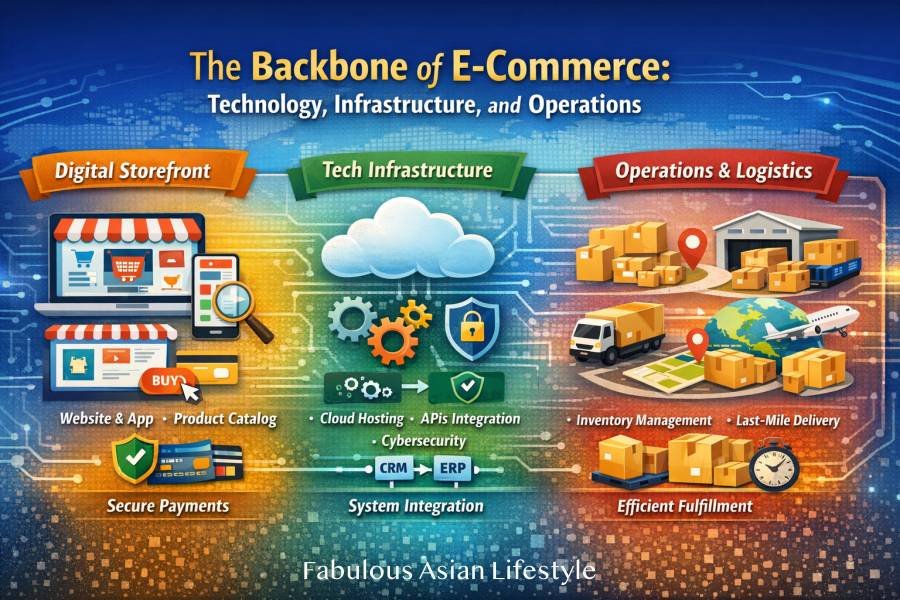
The Backbone of E-Commerce: Technology, Infrastructure, and Operations
Understanding What Really Makes Online Businesses Work
When students first encounter e-commerce, they often imagine a website filled with product photos, a shopping cart button, and a payment page. While that is technically part of it, this view only captures the surface. In reality, e-commerce is a carefully coordinated system of digital infrastructure, data systems, logistics networks, and operational processes.
Think of an online store like an iceberg. The website is what customers see above the water. But below the surface lies a complex structure of servers, databases, inventory systems, security layers, delivery networks, and financial integrations. If the unseen foundation is weak, the entire business becomes unstable.
This article explores two major pillars that form the backbone of e-commerce:
- E-Commerce Technology & Infrastructure
- Operations, Logistics & Fulfillment
Understanding these components allows students to move beyond “selling online” and begin thinking like digital business strategists.
E-Commerce: Technology, Infrastructure, and Operations
PART 1: E-Commerce Technology & Infrastructure
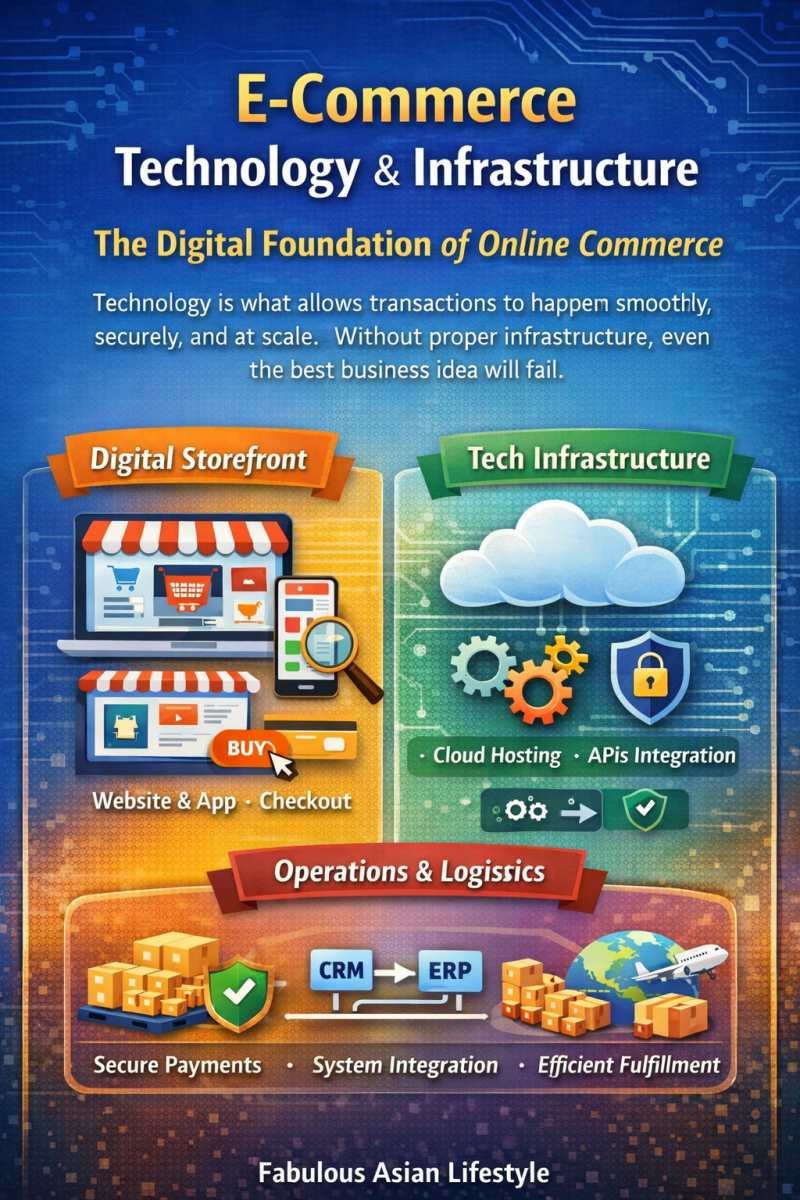
The Digital Foundation of Online Commerce
Technology is what allows transactions to happen smoothly, securely, and at scale. Without proper infrastructure, even the best business idea will fail.
1. Digital Storefront Architecture
A digital storefront is the online environment where customers browse products and make purchases. It includes:
-
Website or mobile application – This is the main online platform where customers access the store. A website is opened through an internet browser (like Chrome or Safari), while a mobile application (app) is downloaded on a smartphone or tablet. Both allow users to browse products, place orders, and make payments. The website or app serves as the digital “store entrance.”
-
Product catalog and search engine – The product catalog is the organized list of items available for sale. It includes product names, descriptions, prices, photos, and variations such as size or color. The search engine is the tool that allows customers to type keywords to quickly find specific products. A well-organized catalog and accurate search function make shopping easier and faster.
-
Shopping cart system – The shopping cart system is the feature that allows customers to select items they want to buy and review them before completing payment. It shows the selected products, quantities, total price, shipping fees, and discounts. It acts like a physical shopping basket in a supermarket.
-
Checkout page – The checkout page is where customers finalize their purchase. It collects shipping details, billing information, and payment method selection. A good checkout page is simple, secure, and easy to complete to reduce cart abandonment.
-
Customer account dashboard – The customer account dashboard is the personal section of the website where users can manage their information. It allows customers to track orders, view purchase history, update addresses, save payment methods, and manage preferences. It helps improve convenience and repeat purchases.
The term architecture refers to how these components are structured and connected behind the scenes.
Imagine walking into a physical mall. If the layout is confusing, shelves are disorganized, and checkout counters are hard to find, customers leave. The same applies online. A poorly designed website increases something called the bounce rate—the percentage of visitors who leave without interacting.
Key features of strong storefront architecture:
- User Experience (UX): How easy and pleasant the website is to use.
- User Interface (UI): The visual design and layout.
- Responsive Design: The ability to adjust to smartphones, tablets, and desktops.
Example: During large online sales such as 11.11 or Black Friday, millions of users visit e-commerce platforms at the same time. If the storefront architecture is weak, the website crashes. This results in lost revenue and damaged reputation.
2. Hosting, Cloud Systems, and APIs
Behind every storefront is infrastructure that keeps it running.
Hosting
Web hosting refers to the service that stores website files and makes them accessible on the internet. When you type a website URL, hosting servers deliver the website data to your screen.
There are different types of hosting:
- Shared hosting (multiple websites share one server)
- Dedicated hosting (one website has its own server)
- Cloud hosting (data distributed across multiple servers)
Cloud Computing
Cloud computing allows businesses to use remote servers instead of physical computers. Rather than buying expensive hardware, companies rent computing power.
Benefits:
- Scalability (ability to grow without rebuilding systems)
- Reliability (multiple backup servers)
- Cost efficiency (pay only for usage)
For example, Netflix uses cloud computing to stream videos globally. During peak hours, cloud systems automatically expand capacity.
API (Application Programming Interface)
An API is a set of rules that allows different software systems to communicate.
Example:
When you order food through Grab and pay via GCash:
- The Grab app communicates with GCash through APIs.
- GCash communicates with your bank.
- The restaurant receives the confirmed payment.
Without APIs, systems would operate independently and create manual errors.
APIs are the “connectors” of digital ecosystems.
3. Payment Gateways & Payment Processors
Online payments must be secure and fast.
Payment Gateway
A payment gateway is the technology that authorizes online transactions. It encrypts (protects) customer information.
Examples:
- PayPal
- Stripe
- GCash
- Maya
Payment Processor
The payment processor communicates between the customer’s bank and the merchant’s bank to complete the transaction.
Here’s how it works:
- Customer enters card details.
- Payment gateway encrypts the data.
- Processor contacts the bank for approval.
- Funds are transferred.
Security technologies include:
- SSL (Secure Socket Layer): Encrypts data during transmission.
- Tokenization: Replaces card details with secure tokens.
If payment systems fail or appear unsafe, customers abandon purchases. This leads to high cart abandonment rates.
Trust is currency in e-commerce.
4. Cybersecurity & Data Privacy Compliance
Cybersecurity protects digital systems from threats like hacking, fraud, and data theft.
Common threats include:
- Phishing attacks
- Malware
- Data breaches
Important security concepts:
- Encryption: Scrambling data to prevent unauthorized access.
- Firewall: A barrier that blocks malicious traffic.
- Two-Factor Authentication (2FA): Requires two verification steps.
Data privacy laws regulate how companies handle customer information.
Examples:
- Data Privacy Act (Philippines)
- GDPR (General Data Protection Regulation) – European Union
Companies must obtain consent before collecting personal data. Violations can lead to heavy fines and legal consequences.
Cybersecurity is not only technical—it is strategic. A single data breach can destroy brand reputation.
5. ERP, CRM, and System Integration
As businesses grow, they need systems to manage operations.
ERP (Enterprise Resource Planning)
ERP systems integrate core business functions such as:
- Accounting
- Inventory
- Procurement
- Manufacturing
Example: When inventory reaches low levels, the ERP automatically triggers a reorder request.
CRM (Customer Relationship Management)
CRM systems track:
- Customer contact information
- Purchase history
- Feedback
- Loyalty programs
Example: Amazon recommends products based on your previous searches. This is CRM in action.
System Integration
Integration connects:
- Website
- ERP
- CRM
- Payment systems
- Logistics tracking
When systems are integrated:
- Sales automatically reduce inventory.
- Customers receive instant tracking updates.
- Managers see real-time dashboards.
Without integration, businesses rely on manual coordination, which increases errors.
E-Commerce: Technology, Infrastructure, and Operations
PART 2: Operations, Logistics & Fulfillment
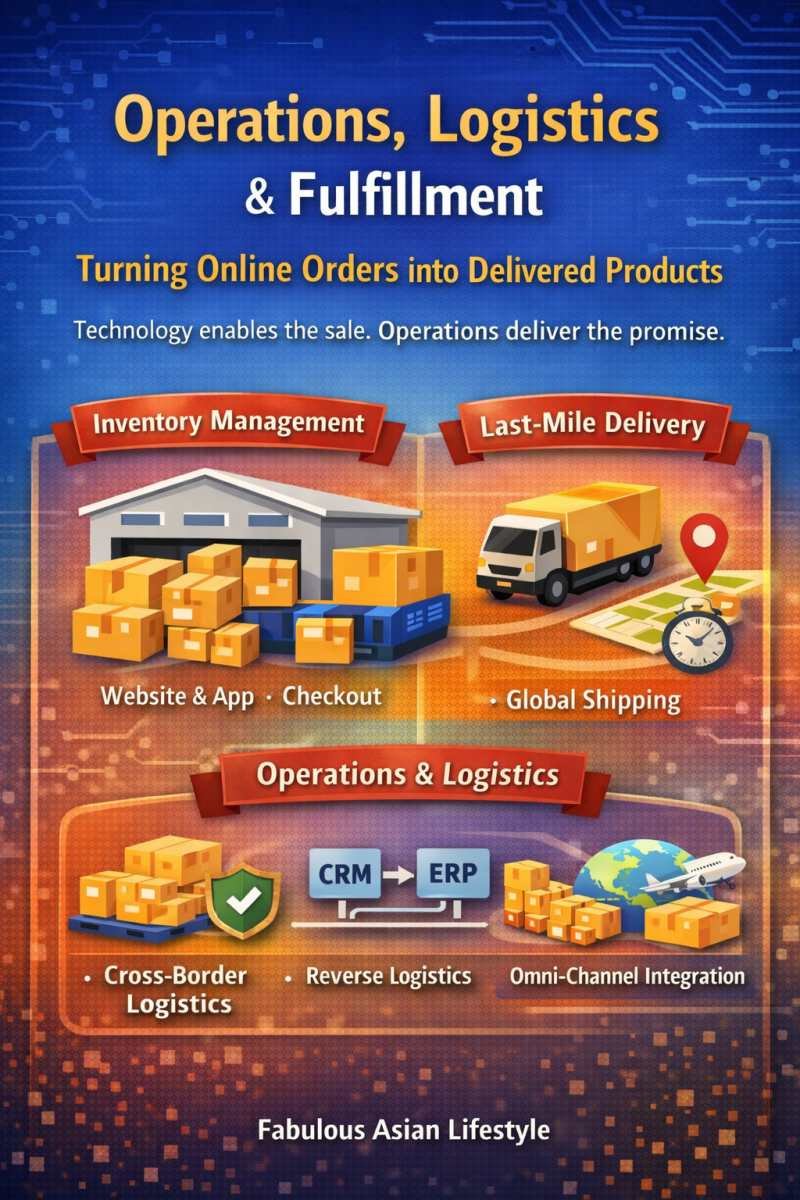
Turning Online Orders into Delivered Products
Technology enables the sale. Operations deliver the promise.
1. Inventory Management Systems
Inventory management ensures products are available when customers place orders.
Key methods include:
FIFO (First-In, First-Out)
Older inventory is sold first to prevent spoilage.
JIT (Just-In-Time)
Products are ordered only when needed to reduce storage cost.
However, JIT can be risky if supply chains are unstable.
For example, during the pandemic, many companies using JIT faced stock shortages due to supply disruptions.
Inventory management affects:
- Cash flow
- Customer satisfaction
- Storage cost
2. Order Processing & Last-Mile Delivery
Once payment is confirmed, the order enters the Order Management System (OMS).
Steps include:
- Picking (retrieving product from warehouse)
- Packing
- Shipping
- Delivery
The last mile refers to the final delivery step. It is often the most expensive part of logistics.
Companies may use:
- In-house delivery teams
- Third-Party Logistics (3PL) providers
Example: Lazada partners with courier companies for last-mile delivery.
Delivery speed influences repeat purchases.
3. Cross-Border Logistics
Selling internationally introduces complexity:
- Customs clearance
- Import/export documentation
- Currency conversion
- Tariffs and duties
For example, a Philippine seller shipping to Australia must comply with customs regulations and biosecurity rules.
Cross-border selling increases market reach but also increases risk and cost.
4. Returns & Reverse Logistics
Reverse logistics handles returned products.
High return rates are common in:
- Fashion retail
- Electronics
Good return policies increase customer trust but add cost.
Companies must decide:
- Free returns?
- Exchange only?
- Restocking fees?
Balancing customer satisfaction and profitability is essential.
5. Omni-Channel Integration
Omni-channel means integrating online and offline channels.
Examples:
- Buy online, pick up in-store (BOPIS).
- Return online purchases in physical stores.
Omni-channel requires synchronized inventory systems.
If systems are not integrated, a customer may order a product online that is not actually available.
E-Commerce: Technology, Infrastructure, and Operations
Final Reflection on E-Commerce: Technology, Infrastructure, and Operations
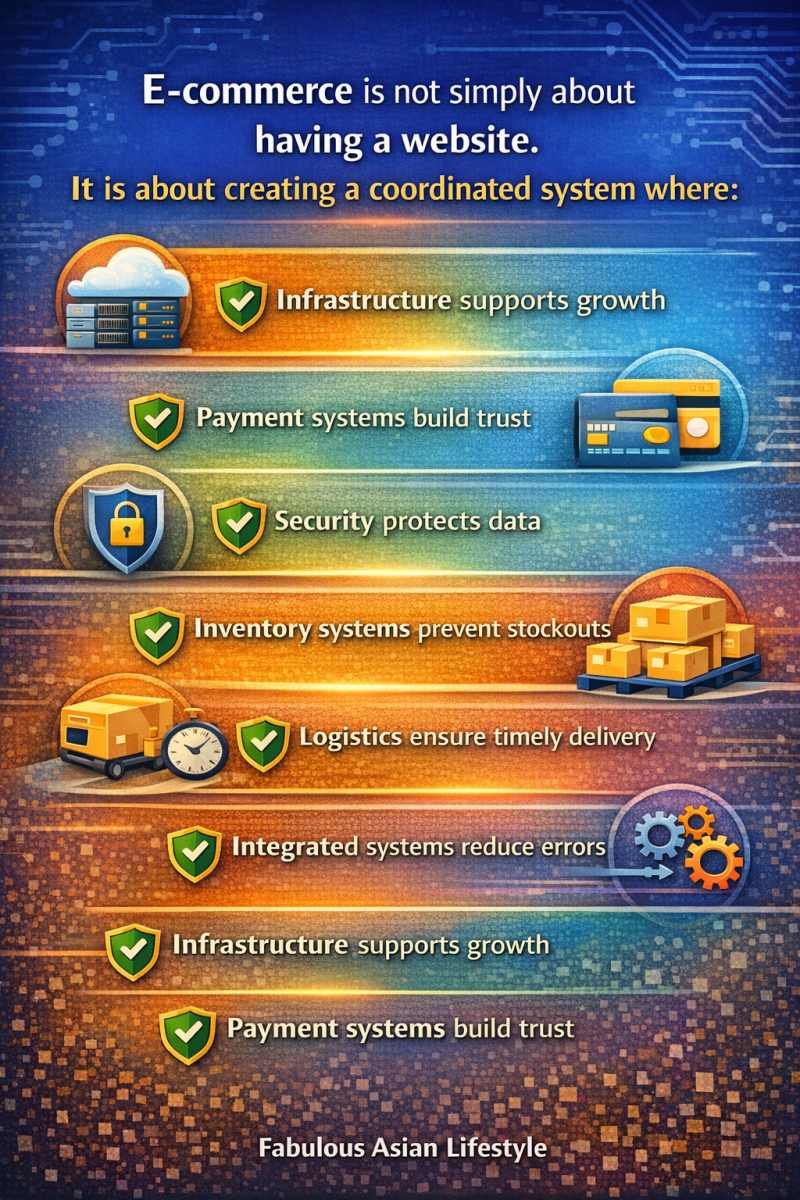
E-commerce is not simply about having a website. It is about creating a coordinated system where:
- Infrastructure supports growth
- Payment systems build trust
- Security protects data
- Inventory systems prevent stockouts
- Logistics ensure timely delivery
- Integrated systems reduce errors
A successful digital business aligns technology and operations. When aligned, businesses scale efficiently. When misaligned, they experience delays, customer complaints, and financial losses.
Understanding these foundations prepares you to think beyond online selling and toward building sustainable digital enterprises.
References:
- Atlantis Press. (2023). E-commerce and logistics industry relationship. https://www.atlantis-press.com/article/126010725.pdf
- GeeksforGeeks. (2023). E-commerce architecture: System design for e-commerce website. https://www.geeksforgeeks.org/system-design/e-commerce-architecture-system-design-for-e-commerce-website/
- Net Solutions. (2023). Cloud eCommerce: Benefits and overview. https://www.netsolutions.com/insights/cloud-ecommerce/
- ResearchGate. (2024). Influence of e-commerce technologies on supply chain management in retail. https://www.researchgate.net/publication/382321378_Influence_of_E-Commerce_Technologies_on_Supply_Chain_Management_in_Retail
- SAP. (2023). What is an e-commerce platform? https://www.sap.com/resources/what-is-an-ecommerce-platform
- OpenOklahoma (OCO Learn OK). (n.d.). E-commerce and e-business. https://open.ocolearnok.org/informationsystems/chapter/chapter-4-e-commerce-and-e-business/
- ScienceDirect. (n.d.). E-commerce system. https://www.sciencedirect.com/topics/computer-science/e-commerce-system

E-Commerce: Technology, Infrastructure, and Operations
More Stories
- Global Business Environment and International Success
- MoMs Across Philippines–Negros Chapter Convenes in Handumanan
- Dried Fish and Low-Carb Living
- Spicy Keto Chicken Feet Recipe : High-Collagen, Low-Carb
- Creamy Parmesan Crunch Salad Recipe | Health Benefits
- Dried Mushrooms Health Benefits, Healing Properties
- Negros Power Rate Reduction for February 2026
- Motivation to Travel: Understanding What Drives People to Explore
- Primelectric Looks to the Future of Power Distribution at U.S. Technology Conference
- Crispy Chicken High-Protein Low-Carb Salad Recipe